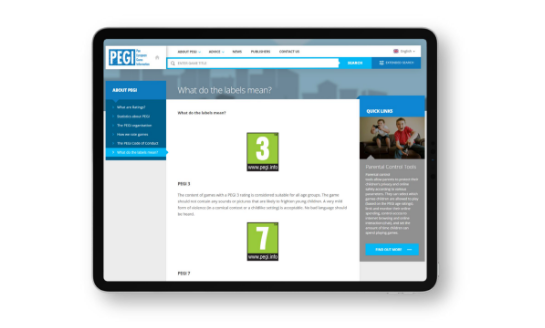
What do the PEGI labels mean
Download PEGI-app

Video games provide entertainment, education, mental and physical stimulation, and a means of connecting and socialising with friends and family members. The video games industry is at the forefront to ensure that all players have a positive experience and works tirelessly to ensure that video gameplay is an enjoyable, safe, and positive experience for all and especially for younger players.
This holiday season, to fully enjoy gameplay time with your children, we are reminding parents how to use PEGI ratings and of the available easy-to-use family setting tools, to help manage game play time, players’ interactions, purchases of in-game content, and much more.
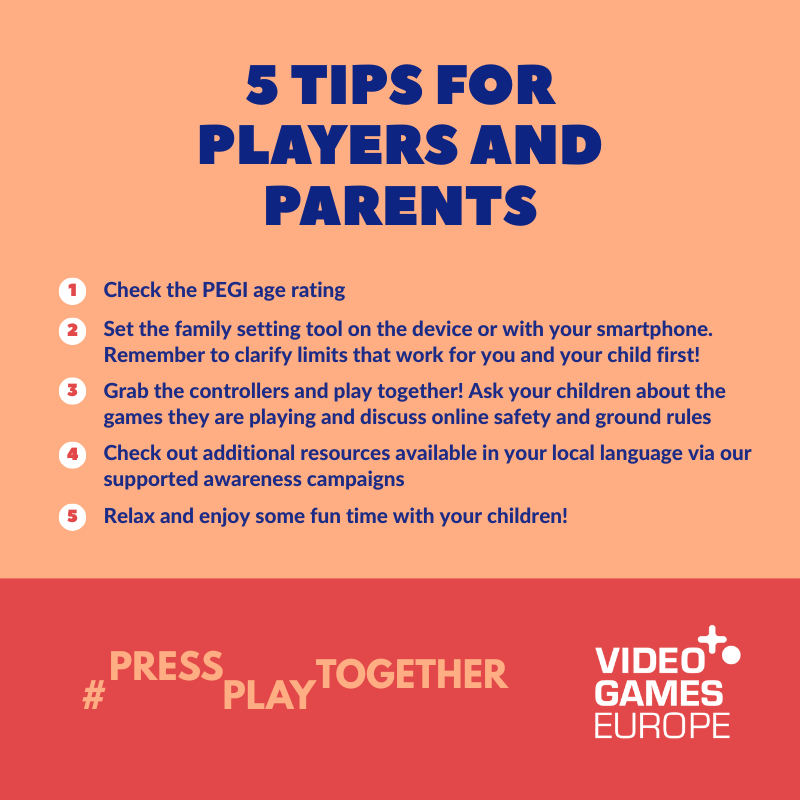
Just follow the #PressPlayTogether steps and enjoy a happy, positive experience for all.
#PressPlayTogether is a public awareness campaign by Video Games Europe, the European trade association representing the video games industry.
The Pan European Game Information (PEGI) provides age ratings and content descriptors that inform parents of the content present within a certain video game. Both help parents make informed decisions on whether a game is suitable for their children when purchasing it, no matter the device you wish to play. PEGI information is accessible online, on the official website or via the PEGI app, available in fifteen languages: English, French, Polish, Dutch, Italian, Spanish, Portuguese, German, Swedish, Norwegian, Finnish, Danish, Croatian, Serbian, and Romanian.
In Europe, all major video games and platforms (including Google) display PEGI ratings.

Back to top
What do the PEGI labels mean
Download PEGI-app
Back to top
Family setting tools are available on all major video game devices (consoles, tablets, handhelds, and smartphones) as well as PC and Mac operating systems. They help parents agree with their children on the most appropriate settings for online interaction, playtime, spending, and access to age-appropriate content. These are designed to be simple to understand, set, and activate.
We recommend using these tools not only to oversee the children’s game play but also as a starting point for conversations to establish rules that work best for you and your family.
Select which games you are happy for your children to play (based on the PEGI age ratings).
Manage and control the amount of time your children can spend playing games. More on weekends, less on weekdays? Find the balance.
Some games allow players to interact with one another within the game. The parental control settings allow you to limit or even prevent your child from communicating with other players. You can set the communications to friends only, friends of friends, anyone, or no one.
Some video games may offer the opportunity to make purchases within the game but this will be indicated on the game by a PEGI in-game purchase descriptor so you will be made aware of this.
Publisher’s own platforms increasingly offer tools and additional verification mechanisms.
Video game play is also a learning experience. Through stunning storytelling and elaborate artistry, you can learn history, maths, physics, music, and much more. Join in when your children are playing and be curious about why they are invested in a game. It’s not only a moment for bonding, but also an opportunity to explain why certain games may not be suitable for them.
Research shows that families that play together and/or take the time to discuss video game play have the healthiest relationship with video game playing, get the most out of it, and have the fewest arguments about playtime.

Back to top

There are substantial benefits to playing video games. Some include improving motor and social skills, overall concentration and memory, problem-solving and team-building skills.
Did you know that research shows that girls who play video games are three times more likely to enrol in STEAM programmes than girls who don’t play?
The video game industry has national forums and websites to learn more about digital activities concerning children and video game play.
Back to top
Children can talk for hours about their passions and what entertains them the most, and what better opportunity than sharing these things by actively engaging?
#PressPlayTogether is more than a simple action; it’s a journey for cherishing the good moments and forging lasting memories with your children in a safe and healthy setting!
Back to top
Back to top
PEGI
Video game companies' proven track record in protecting minors and supporting parents with tools
List of video games with education potential
Handbook for Teachers interested in using video games in their classrooms
Download these resources and share them with your teacher, other parents, and people you may know